













GCO Adali · IT Support / Outsourced IT
Your team needs to work. We make IT work.
Computers crashing. Accounts locked. Email failing. A network that keeps dropping. Your people need more than advice. GCO Adali investigates the issue, restores service where authorized, implements corrective changes and supports the systems your business depends on.
A workstation that works through the day.
We diagnose recurring faults, repair configuration or software issues within scope, check stability and confirm the employee can return to work.
Keep email and collaboration available.
We troubleshoot Microsoft 365 sign-in, Outlook, Exchange, Teams and OneDrive, apply permitted corrections and verify the affected service with employees.
The right people need the right access.
We investigate permission problems, MFA, account lifecycle and directory administration, make authorized access changes and confirm the user can work securely.
Reliable connectivity should not be a daily worry.
We examine Wi-Fi, LAN, DNS, DHCP, VPN and supplier dependencies, apply agreed network changes and verify that users can reconnect.
A backup is only useful if recovery works.
We inspect backup errors, evaluate restore readiness, correct in-scope faults and support authorized recovery tests with traceable evidence.
Tell us what’s stopping work
Bring us the problem. We’ll work through the fix.
You shouldn’t need to know whether a fault is caused by Windows, an account, a server or the network before asking for help. We start with the impact, isolate the cause and agree the right corrective action.
Selected situation / Employee device
A computer crashes throughout the workday.
System events, hardware health, updates, drivers and application failures.
Carry out approved software, configuration or repair steps and remove recurring causes.
Check stability with the affected user, document findings and flag any hardware replacement need.
Selected situation / Microsoft 365
Email or Microsoft 365 is stopping the team.
Sign-in history, licensing state, Outlook profiles, connectivity, policies and affected services.
Apply agreed account, application or licensing corrections and coordinate supplier escalation where needed.
Confirm mail and collaboration functions with the user and record changes and remaining dependencies.
Selected situation / Network and VPN
Connectivity is interrupting important work.
Office uplinks, DHCP/DNS state, Wi-Fi, VPN negotiation, routing and whether the problem affects multiple users.
Apply approved network or VPN changes and coordinate upstream supplier action.
Retest connectivity and key employee workflows and document any remaining network dependency.
Selected situation / Identity and access
An employee cannot reach essential business systems.
Account state, MFA registration, permissions, directory sync and the exact failing authentication step.
Carry out authorized access or configuration corrections and escalate approvals when required.
Confirm appropriate access with the employee and record what was changed.
Selected situation / Backup and continuity
Nobody can confirm whether backups will restore.
Backup job failures, usable restore points, repository health and dependencies for essential workloads.
Correct authorized backup issues and coordinate a controlled restore test where approved.
Document restoration test results, limitations and next required improvements.
When technology fails, the whole business feels it.
GCO Adali provides a practical route from incident to restoration—and helps prevent the same problem from returning.
Support you can put to work
Not another support promise. Real work, on real systems.
From a single failed laptop to ongoing IT administration, GCO can take responsibility for agreed support tasks and perform the changes required to keep your organization operating.
Employees & devices
Windows and Mac troubleshooting, software installation, device configuration, maintenance, peripherals, and recurring-fault investigation.
Restore a usable workstation, not simply close a ticket.Microsoft 365 & collaboration
Outlook and Exchange issues, Teams, OneDrive, SharePoint access, account configuration, licensing administration, and user assistance.
Get staff back into the tools they rely on.User lifecycle & identity
New-starter setup, permission changes, MFA, offboarding, Active Directory and Microsoft Entra ID administration where authorized.
Keep access organized as your teams change.Networks, Wi-Fi & remote access
LAN/Wi-Fi diagnosis, DNS/DHCP connectivity, VPN troubleshooting, office moves, and coordination with network or telecom suppliers.
Identify and address interruptions at the right layer.Security hygiene & continuity
Endpoint protection checks, patch coordination, backup monitoring, restoration support, and practical hardening measures within scope.
Reduce repeated failures and unmanaged exposure.Assets, vendors & documentation
Device inventories, license records, vendor escalation, knowledge-base procedures, technology handover, and equipment refresh support.
One clearer source of operational accountability.Your employees describe the issue. GCO takes ownership of the next steps.
How a support request moves
From interruption to working again.
An effective service desk is not a list of open tickets. It is a consistent sequence of diagnosis, authorized action, user confirmation and accountable follow-up.
Operational proof of work
A service desk that shows what was done.
The examples below illustrate what a useful support record can contain: the symptom, the intended action, and the evidence that the user or system is working again. Select an example to inspect the handover.
Questions before engaging
No vague promises. Clear responsibility.
We clarify how work is requested, what systems are in scope, who can authorize changes, and how your people will know an issue has been resolved.
Can GCO act as our outsourced IT department?
GCO can structure a scoped outsourced IT engagement covering support requests, agreed administration, vendor coordination, documentation and proactive work. Coverage, channels, access permissions, locations and service hours are defined before delivery.
Can you work alongside our internal IT team?
Yes. GCO can take responsibility for selected support duties, Microsoft 365 administration, recurring incidents or defined projects while your team retains agreed ownership and decision authority.
Do you provide 24/7 emergency support or guaranteed response times?
Only if explicitly agreed and available under the relevant contract. This page does not imply round-the-clock coverage or a guaranteed restoration time. We clarify urgency and response arrangements before work starts.
What information should we share first?
Describe the symptom, affected users, when it started and its business impact. Do not send passwords, confidential personal data or security-sensitive logs through a public contact form; secure access and evidence exchange should be agreed separately.
Will you fix issues or only provide a report?
The aim of a support engagement is practical restoration and agreed corrective work. Depending on authority and scope, GCO can troubleshoot, implement changes, test the result and document handover or remaining dependencies.
Can GCO set up new employees and manage offboarding?
With the right access and an agreed workflow, GCO can help provision and configure devices, user accounts, Microsoft 365 services and permissions, and remove access during offboarding.
Make the next working day easier
Stop losing time to IT problems. Let’s get your people working.
Tell GCO Adali what is going wrong, who it affects and what you need from an IT partner. We can discuss an appropriate support intervention or an outsourced IT arrangement, including the agreed scope, responsibilities and next steps.
Support should make the workday easier.
Reliable support begins with real users, clear ownership and a dependable technical environment.


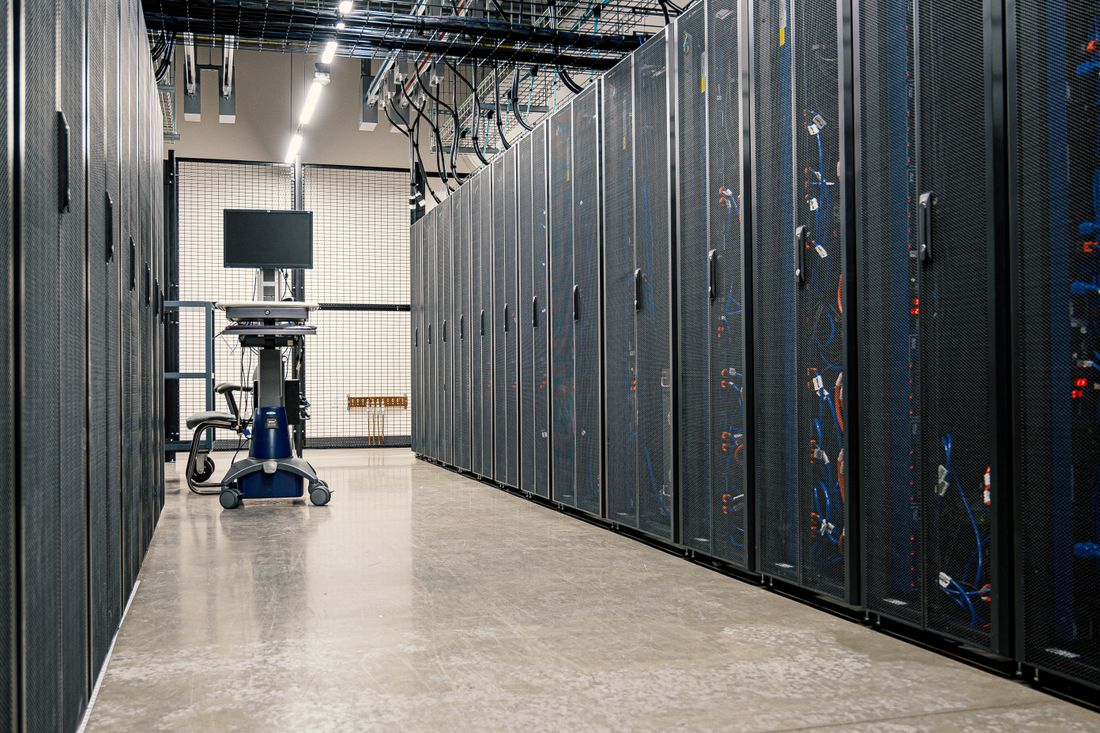
Editorial stock photography illustrates the subject and does not depict a specific GCO Adali engagement.